Website design relies heavily on great visual elements. If you use WordPress, you probably know that adding crisp font awesome icons makes your pages stand out to visitors. These graphics help guide users and break up large blocks of text. While the free version of this library is very good, the premium version offers thousands of extra choices and styles. Many users struggle to figure out how to import fontawesome pro into elementor to access these premium designs. This comprehensive guide will show you exactly how to connect your account safely, easily, and quickly.
Quick Steps: How to Import FontAwesome Pro Into Elementor
If you want to win the Google featured snippet and get your icons working right away, follow this short summary. This is the absolute fastest way to learn how to import fontawesome pro into elementor without any hassle:
- Log into your premium Font Awesome account online.
- Create a new Kit or select an existing one.
- Copy your unique Kit ID from your account dashboard.
- Go to your WordPress admin dashboard.
- Hover over Elementor and click on Settings.
- Click on the Integrations tab at the top of the screen.
- Scroll down to the Font Awesome Pro section.
- Paste your Kit ID into the blank box and click Save Changes.

Preparing Your Website Settings
Before you make any global changes to your website, it is always a smart idea to back up your work. You might wonder, does a standard WordPress backup save Elementor global settings? Yes, a full database and file backup keeps all your settings completely safe. Once your website is fully backed up, adding your new visual assets is incredibly easy.
Using a Kit is the highly recommended method by most developers today. It speeds up your website performance because it only loads the specific font awesome icons you actually place on your live pages. It does not load the massive, heavy library files all at once. Sometimes, users get confused by the different kit options available inside the page builder. You can learn more about managing these in our detailed guide on the Elementor active kit option. After saving your new Kit ID, you will immediately see the premium choices in your standard icon widget interface.
Modernizing Your Site Design
Once you understand how to import fontawesome pro into elementor, you unlock a whole new world of design possibilities. You get access to the solid, regular, light, thin, and stunning duotone families. These options let you match your specific brand identity perfectly. If you are updating an older website with these new graphics, you should also consider upgrading your layout structure. For example, learning to convert Elementor sections to containers will make your pages load much faster and look much cleaner on mobile devices.
Troubleshooting Common Display Problems
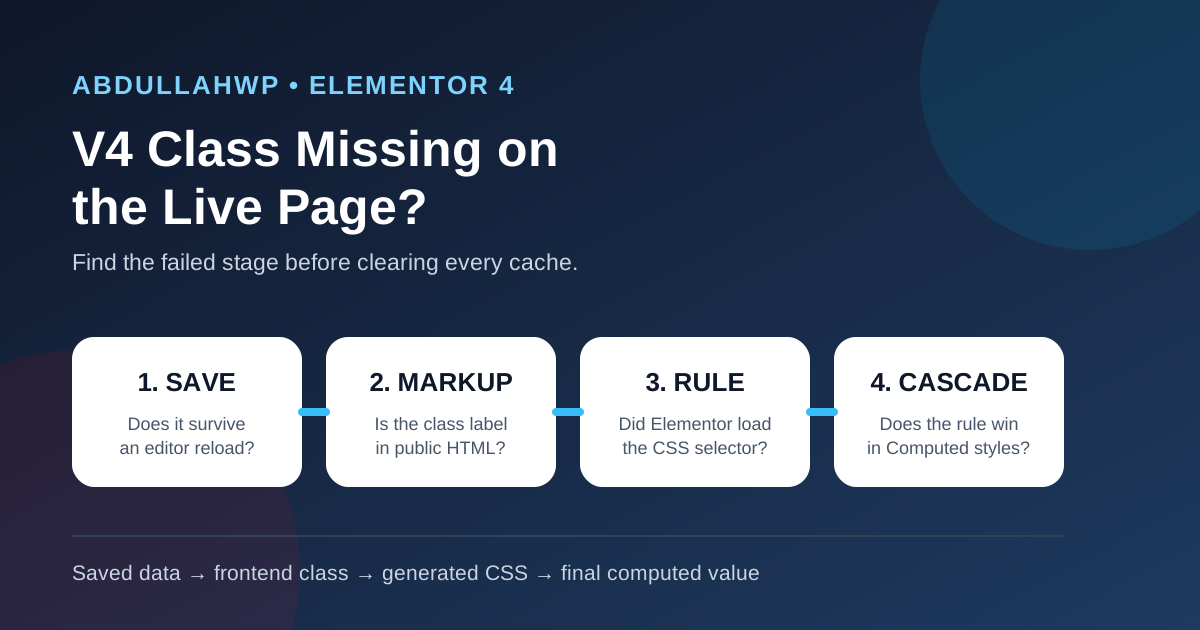
Even when you follow the steps perfectly, you might run into small bugs. If your new icons show up as blank squares or empty boxes, do not panic. First, check your account kit settings on the official website. Ensure you are using the “Web Font” option instead of “SVG”. The standard WordPress CSS editor does not fully support the fill properties of SVG files. Switching to Web Font usually fixes the color and display issues instantly.
Next, you must clear your website cache. Clear your caching plugin, your server cache, and your personal browser cache. If the graphics still look broken, it might be a deeper styling error. Read our helpful tutorial on how to fix Elementor CSS files giving 404 errors. Additionally, check for kit conflicts. If your entire site typography looks strange, check out how to fix the Elementor default kit issue for step-by-step help.
External Resources for Web Designers
Building a highly professional site takes creativity and good tools. You do not have to do it alone. There are many fantastic platforms available. If you need fresh templates to go with your new icons, visit themerex.net for premium WordPress themes. For developer scripts, plugins, and tools, babia.to is a highly useful community. If you want top-tier tutorials on page builders, wickydesign.com is a wonderful resource.
You can also explore estival.jp for creative digital design inspiration. Finally, to improve your overall site speed, security, and infrastructure, check out wpm.so. Using these external tools along with your premium graphics will make your website incredible.
Frequently Asked Questions
Do I need Elementor Pro to use these premium icons?
No, you absolutely do not need the paid version of the page builder. You just need to follow the exact steps on how to import fontawesome pro into elementor using the free version of the plugin. The required integration settings are completely available to all free users.
Why should I use a Kit instead of the traditional CDN?
The traditional CDN method loads the entire massive icon library on every single page load. A Kit is much smarter and much lighter. It only loads the specific graphics you use on that exact page. This improves your site speed dramatically, which is great for SEO.
Will my premium icons show up inside the regular icon widget?
Yes, they will. Once you connect your Kit ID correctly, the regular default icon widget will display all the premium families. You will see light, thin, solid, and duotone options right inside the editor sidebar. This seamless integration is exactly why knowing how to import fontawesome pro into elementor is so valuable for modern web designers.
Can I upload my own custom SVG files to my Kit?
Yes. If you have a premium account, you can upload your own custom vector graphics directly into your Kit dashboard online. Once they are uploaded there, they will magically sync to your WordPress site and appear in your builder library alongside the official font awesome icons.