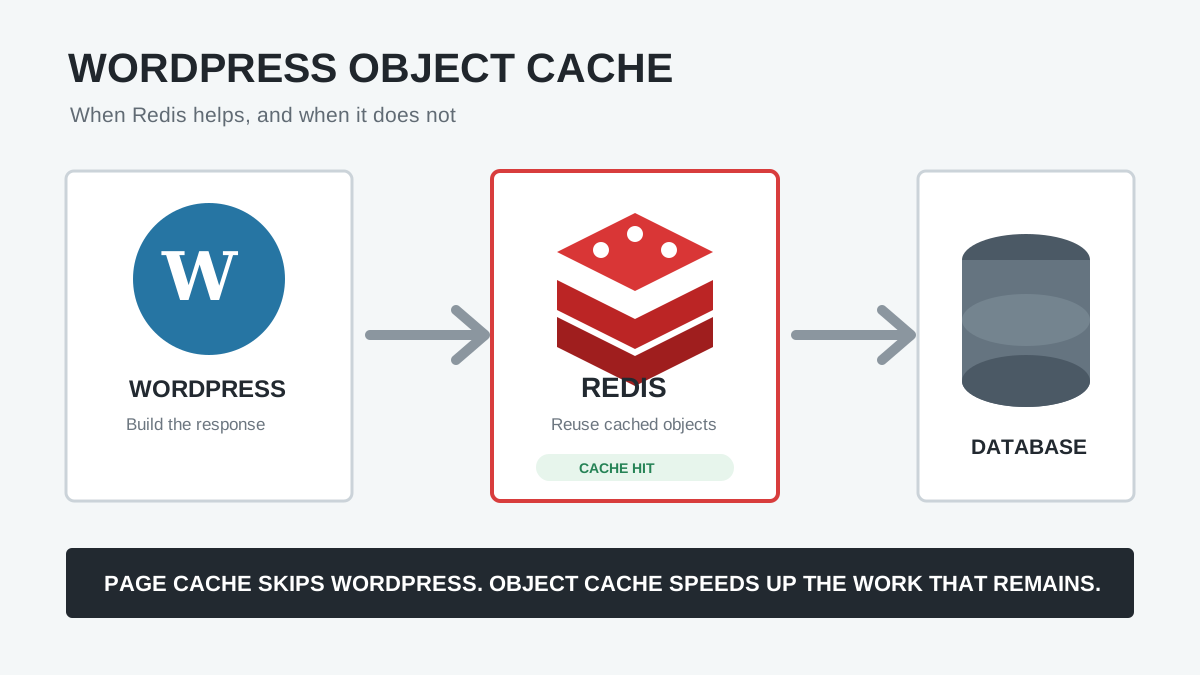
Redis object caching can improve WooCommerce performance, especially for dynamic requests that cannot be served from a full-page cache. It is most useful for busy catalogs, logged-in customers, complex product queries, subscriptions, memberships, and stores with a slow WordPress admin. But Redis is not a universal speed switch: it must be supported by the host, connected correctly, given enough memory, and tested against real store workflows.
This guide explains where Redis fits in a WooCommerce cache stack, how to enable a persistent WordPress object cache safely, what must remain excluded from page caching, and how to verify that the store is faster without introducing stale carts, prices, inventory, or account data.
What Redis Object Cache Does for WooCommerce
WooCommerce builds on WordPress’s object-cache API. During a request, WordPress and WooCommerce reuse post data, metadata, taxonomy terms, options, query results, and other computed values. Without a persistent backend, most cached objects disappear when that PHP request ends. Redis allows eligible cached objects to survive between requests.
This can reduce repeated database work on product archives, filters, search, admin screens, scheduled actions, customer accounts, and other dynamic routes. The exact benefit depends on the theme, extensions, catalog size, database design, traffic pattern, and how effectively plugins use WordPress caching APIs.
Redis does not replace MySQL, permanently store orders, or cache complete HTML pages by itself. For the broader concepts, read WordPress Object Cache Explained. If WordPress is showing the Site Health recommendation, follow the companion guide to fix “You should use a persistent object cache”.
Object Cache Is Not the Same as WooCommerce Page Cache
| Layer | Stores | WooCommerce role |
|---|---|---|
| CDN/browser cache | Images, CSS, JavaScript and other static assets | Reduces network and origin work |
| Full-page cache | Complete HTML responses | Excellent for public, non-personalized pages |
| Redis object cache | Reusable WordPress objects and query results | Helps requests that still run PHP and access the database |
| PHP OPcache | Compiled PHP bytecode | Reduces PHP compilation overhead |
A shopper’s cart, checkout, account, and many logged-in requests must remain dynamic, so they cannot rely on ordinary shared HTML caching. Those are precisely the types of requests where a healthy object cache can be valuable.
Which WooCommerce Stores Benefit Most?
- Large catalogs with layered navigation, filtering, search, and many product variations
- Stores with frequent logged-in traffic, customer dashboards, memberships, or subscriptions
- Sites running imports, feeds, scheduled actions, webhooks, or inventory synchronization
- Admin screens slowed by repeated product, order, customer, or settings queries
- High-traffic stores where repeated queries create measurable database load
A small store with a few products and well-cached anonymous traffic may see little change. Benchmark the uncached product page, search, cart, checkout, My Account, and admin before deciding whether Redis is worth operating.
Redis Prerequisites
- A Redis service: installing a WordPress plugin does not install the Redis server. Ask the host whether Redis or Memcached is available.
- A supported connection: obtain the private hostname or Unix socket, port, authentication details, database number, and recommended client.
- Enough memory: review Redis memory limits and eviction behavior. A constantly evicting cache provides limited value.
- One WordPress object-cache drop-in: only one
wp-content/object-cache.phpimplementation can be active. Avoid conflicts between the host, LiteSpeed, W3 Total Cache, Redis plugins, and other performance tools. - A tested backup and rollback path: know how to disable the drop-in if Redis becomes unreachable.
How to Set Up Redis Object Cache for WooCommerce
1. Use the Host’s Redis Integration When Available
Managed hosting integrations are usually safer because the provider controls networking, authentication, memory, service restarts, and monitoring. Enable Redis in the hosting dashboard and follow the provider’s specific WordPress instructions. Some hosts install the object-cache drop-in automatically.
2. Connect WordPress to Redis
If the host requires a plugin, install its recommended integration or a maintained Redis object-cache plugin from WordPress.org. Enter only the connection values supplied by the host. Confirm the connection succeeds before enabling the persistent cache.
For multiple WordPress installations sharing one Redis service, use a unique cache-key prefix or separate Redis database as directed by the host. Otherwise, sites can overwrite or flush one another’s keys.
3. Enable the Object-Cache Drop-In
Use the plugin or hosting control to enable object caching. Confirm that it owns wp-content/object-cache.php and reports a connected status. If another plugin already owns the file, choose one cache provider and follow its documented replacement process—do not repeatedly overwrite the drop-in.
4. Warm the Cache and Measure
Browse representative product, category, search, account, and admin screens. The first request is a cold-cache test; later requests show whether reusable objects produce hits. Compare uncached response time, database query time, cache hit ratio, Redis memory, and PHP/SQL load against your baseline.
WooCommerce Pages That Must Stay Out of Shared Page Cache
This requirement applies to full-page or edge HTML caching, not to the WordPress object cache. WooCommerce’s official caching guidance says the following customer-specific pages must remain dynamic:
- Cart
- Checkout
- My Account and account endpoints
- Add-to-cart and other personalized request URLs
Your page cache or CDN should also respect WooCommerce session and cart cookies, including woocommerce_cart_hash, woocommerce_items_in_cart, and wp_woocommerce_session_. Most WooCommerce-aware cache plugins configure common exclusions automatically, but verify them at the host/CDN layer too.
Do not exclude these routes from Redis merely because they are excluded from page caching. Object-cache values are keyed data, not shared finished HTML, and WordPress/WooCommerce control their invalidation. Use exclusions only when the cache provider or a specific extension documents a compatibility issue.
WooCommerce Redis Testing Checklist
- Open a product as a logged-out visitor and confirm price, stock, variations, gallery, and add-to-cart behavior.
- Use two separate browser sessions. Add products in one and confirm the other does not inherit its cart or account state.
- Test coupons, shipping calculations, taxes, payment methods, order creation, confirmation emails, and stock reduction.
- Change a product’s price, stock, category, and variation data; confirm frontend results update promptly.
- Test customer login, logout, password reset, orders, downloads, subscriptions, memberships, and saved payment methods where applicable.
- Run imports, webhooks, scheduled actions, ERP/CRM synchronization, and bulk edits in staging.
- Temporarily restart or disable Redis in a safe environment and confirm the integration fails gracefully or can be rolled back quickly.
Common Redis Problems on WooCommerce
| Problem | Likely cause | Next check |
|---|---|---|
| Redis “not connected” | Service, socket, host, port or credentials | Confirm the private endpoint with the host |
| Intermittent fatal errors | Redis restart, timeout or non-graceful client | Inspect service and PHP logs; review timeouts and failure behavior |
| Low hit ratio | Cold cache, frequent flushes or little reusable data | Observe after normal traffic and check which actions flush the cache |
| Memory continually full | Limit too low or eviction policy unsuitable | Review memory use, evictions and host recommendations |
| Wrong data after migration | Old keys or shared prefix | Flush once after the database replacement and verify a unique key namespace |
| Cart/account data leaks | Usually incorrect full-page/CDN caching, not Redis object caching | Audit page-cache exclusions and WooCommerce cookies |
| Bulk import slows down | Heavy invalidation or cache churn | Follow the importer’s Redis guidance and compare with object cache temporarily disabled in staging |
When Should You Flush Redis?
Normal product and order changes should invalidate relevant cached data through WordPress and WooCommerce APIs. A full flush may be appropriate after a database restore, domain migration, staging-to-production replacement, major schema/plugin change, or confirmed stale-cache incident.
Do not schedule frequent full Redis flushes as a “speed optimization.” Each flush creates a cold cache, increases database work, and hides the underlying invalidation or namespace problem. On shared Redis infrastructure, use the WordPress/plugin-specific flush method rather than a server-wide command that could remove another application’s data.
WooCommerce Product Object Caching Is Different
WooCommerce 10.5 introduced an experimental product-object cache that reduces repeated product-object construction within the same request. WooCommerce’s developer advisory clarifies that this feature is non-persistent and focuses on object-instantiation overhead; it is separate from a persistent Redis backend. Test experimental features on staging and do not assume enabling one replaces the other.
Frequently Asked Questions
Does WooCommerce require Redis?
No. WooCommerce works without Redis. Persistent object caching is an optional performance layer whose value increases with dynamic traffic, catalog complexity, and repeated database work.
Will Redis fix a slow WooCommerce checkout?
It may reduce repeated database work, but checkout can also be slowed by payment gateways, shipping and tax APIs, plugins, PHP workers, database locks, external requests, or frontend JavaScript. Profile the request instead of assuming Redis is the cause or cure.
Should cart and checkout be excluded from Redis?
They must be excluded from shared full-page caching. A properly implemented WordPress object cache is different and normally remains active. Only add object-cache exclusions when your host, cache integration, or affected WooCommerce extension explicitly requires them.
Can I use Redis with LiteSpeed Cache or Cloudflare?
Yes, because they can operate at different layers, but avoid duplicate object-cache drop-ins and make sure edge/page caching respects WooCommerce’s dynamic pages and cookies.
Official References
- WooCommerce: Configuring caching plugins
- WooCommerce 10.5 product-object caching advisory
- WooCommerce server recommendations
- WordPress WP_Object_Cache reference
Final Recommendation
For a serious WooCommerce store, use a host-managed Redis service when available, keep one authoritative WordPress object-cache drop-in, preserve the required page-cache exclusions, and test the entire customer journey. Judge success by uncached response time, database load, cache stability, and correct store behavior—not simply by whether Redis says “connected.”