Should you enable speculative loading in WordPress? For most public WordPress sites, the safest answer is yes: keep the conservative prefetch behavior included in WordPress core. It can make the next page feel faster without aggressively loading pages a visitor may never open.
The separate Speculative Loading plugin can go further by prerendering pages when a visitor shows interest in a link. That can produce near-instant navigation, but it also uses more bandwidth and server resources. It needs careful testing on WooCommerce, membership, LMS, form-heavy, and personalized websites.
This guide explains what WordPress already does, whether you still need the plugin, which setting to choose, what URLs to exclude, and how to confirm that speculative loading is actually working.
Quick Answer: Should You Enable Speculative Loading in WordPress?
Use this practical starting point:
- Blog, brochure, portfolio, or service site: leave WordPress core’s default conservative prefetch enabled.
- Well-cached public content site: test moderate prefetch first, then consider moderate prerender.
- WooCommerce, membership, LMS, forum, or personalized site: start with conservative prefetch and keep logged-in users excluded.
- Weak hosting or high uncached server response time: fix hosting and caching before using aggressive prerendering.
- Pages that perform actions: exclude cart, checkout, logout, account, form-confirmation, and other state-changing URLs.
WordPress introduced speculative loading in version 6.8. Core enables it for logged-out visitors on sites using pretty permalinks, and currently defaults to prefetch with conservative eagerness. The official WordPress 6.8 speculative loading documentation describes this as a balanced default designed for broad use.
What Is Speculative Loading?
Speculative loading lets the browser prepare a likely next page before the visitor finishes navigating to it. WordPress outputs a small set of browser rules that identify eligible links and decide how early they should be loaded.
It does not make the current page lighter. It makes a future navigation faster by starting some or all of the work early.
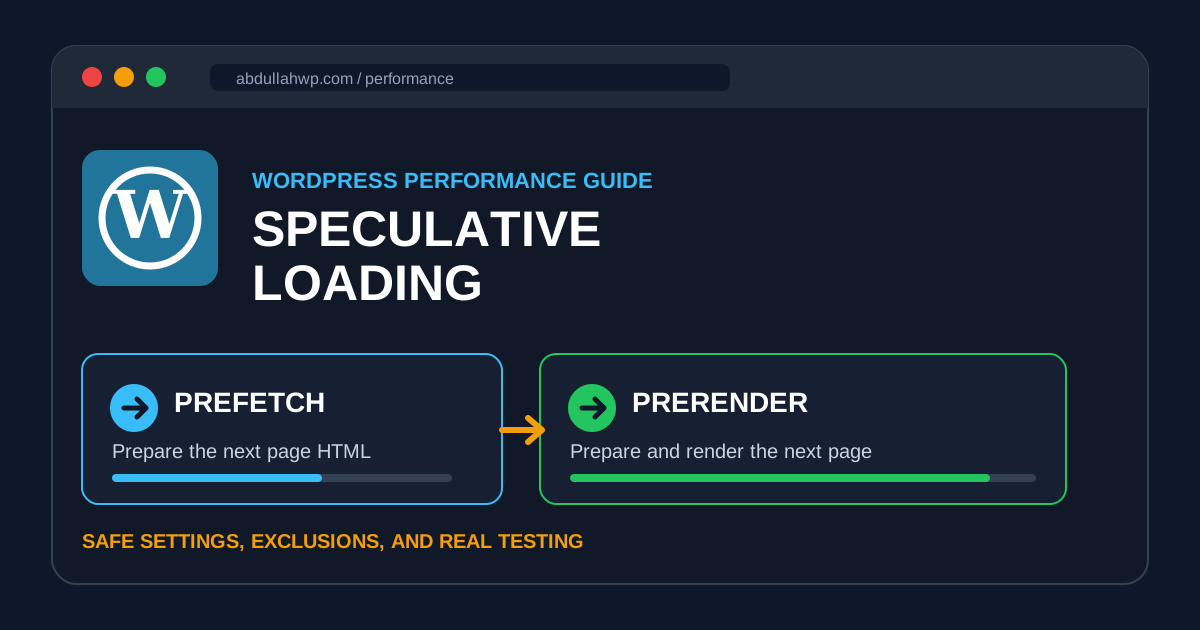
Prefetch
Prefetch downloads the HTML document for a likely next page and keeps it ready in memory. Images, stylesheets, scripts, and rendering work still happen after navigation. It uses fewer resources and is the safer choice for most sites.
Prerender
Prerender loads and renders the next page in a hidden browser process. If the visitor follows the link, the prepared page can appear almost instantly. The tradeoff is more client processing, bandwidth, and server work for predictions that may not become real visits.
| Mode | What it prepares | Speed benefit | Resource cost | Best starting use |
|---|---|---|---|---|
| Prefetch | Next page HTML | Noticeable | Lower | Most WordPress sites |
| Prerender | HTML, subresources, and rendered page | Potentially near-instant | Higher | Tested, cacheable public pages |
Chrome’s documentation recommends starting with prefetch for complex sites because it is usually safer. Its implementation guide also warns about bandwidth, browser processing, and server costs when predictions are wrong.
What WordPress Core Already Does
If your site runs WordPress 6.8 or newer, speculative loading is already built in. You do not need a plugin just to receive the basic feature.
- Core uses prefetch with conservative eagerness by default.
- Conservative means the browser waits for a strong signal, normally when the visitor starts clicking or tapping a link.
- Logged-in users are excluded by default.
- Sites without pretty permalinks are excluded by default.
- Cross-origin links, WordPress admin paths, login URLs, query-string URLs, nonce URLs, downloads, and nofollow links are generally excluded.
- Browsers without compatible Speculation Rules support simply ignore the rules.
The conservative trigger may provide only a small head start, but it also minimizes wasted requests. That is why it is a sensible default for millions of different WordPress installations.
Do You Still Need the Speculative Loading Plugin?
You need the plugin only if you want easier control or more aggressive behavior than WordPress core provides.
- A settings screen under Settings > Reading.
- A choice between prefetch and prerender.
- Conservative, moderate, or eager triggering.
- Control over whether logged-in visitors receive speculative loading.
- A faster way to test configurations without adding a custom PHP filter.
The official Speculative Loading plugin, maintained by the WordPress Performance Team, currently defaults to prerender with moderate eagerness. Moderate usually begins when a visitor hovers over a link or interacts with it, giving the browser more time than core’s conservative setting.
Installing the plugin is not automatically an improvement. It changes the balance from low-risk prefetching to a potentially faster but more resource-intensive configuration.
Live AbdullahWP Test: What the Plugin Outputs
For this article, I inspected the live AbdullahWP homepage while it was running WordPress 7.0.1 and version 1.6.0 of the official plugin. The page output a speculationrules script using prerender with moderate eagerness.
The live rule did not blindly include every link. It excluded WordPress admin and login patterns, uploads, theme and plugin asset paths, URLs with query parameters, nofollow links, and links inside elements marked with no-prerender or no-prefetch.
That is an important distinction: speculative loading should be selective. The performance benefit comes from preparing genuine navigation pages, not from requesting action URLs or static files.
Which Setting Should You Choose?
Use Prefetch + Conservative When:
- You want the safest general setting.
- Your site has forms, shopping, user accounts, or personalized content.
- Your hosting has limited CPU or uncached requests are slow.
- You have not audited action URLs or client-side scripts yet.
- You prefer minimal extra bandwidth use.
Use Prefetch + Moderate When:
- Your public pages are cacheable.
- Your server can comfortably handle occasional additional HTML requests.
- You want a larger navigation head start without running the next page’s JavaScript.
- You have tested mobile bandwidth and server logs.
Use Prerender + Moderate When:
- The site is mainly public, static, and strongly cached.
- Internal navigation speed is important to the user journey.
- Analytics, ads, popups, chat, forms, and personalization have been tested during prerender.
- Transactional and private paths are excluded.
- You can monitor CPU, bandwidth, cache hit rate, and conversion behavior after launch.
Avoid eager prerender across an entire site unless you have a specific, measured reason. More speculation is not always more performance; it can simply mean more unused work.
Pages You Should Exclude
A normal page view should be safe to repeat. A URL that changes state, depends on a session, or triggers a business event deserves extra caution.
- Cart and checkout pages.
- Add-to-cart, remove-item, logout, unsubscribe, and confirmation links.
- Account, membership, course, forum, and private dashboard pages.
- Payment, booking, appointment, and order-completion paths.
- Form success pages that trigger analytics or automation.
- URLs that update a cookie, session, stock value, view counter, or user preference.
- Pages with custom JavaScript that assumes a visible, fully activated page.
WordPress already excludes query-string URLs by default, which catches many action links. However, a plugin may use a clean rewritten URL such as /cart/remove-item/. Those paths need an explicit exclusion.
How to Exclude Cart and Other Sensitive Paths
For WordPress core, the following filter excludes cart, checkout, account, and logout paths from both prefetch and prerender. Add code only through a child theme or a carefully managed snippets plugin, and test it on staging first.
add_filter(
    'wp_speculation_rules_href_exclude_paths',
    function ( $paths ) {
        $paths[] = '/cart/*';
        $paths[] = '/checkout/*';
        $paths[] = '/my-account/*';
        $paths[] = '/logout/*';
        return $paths;
    }
);
You can also add the CSS class no-prerender to a link or parent block to stop prerendering while still allowing prefetch. Use no-prefetch when the link should not be speculatively loaded at all. These classes are supported by WordPress core.
Do not copy a generic exclusion list without checking your actual URLs. WooCommerce extensions, membership plugins, booking systems, and custom code often use different paths.
How to Enable It Safely
- Back up the site. Speculative loading is not a database migration, but configuration changes should still have a rollback path.
- Update WordPress. Use a supported version and confirm pretty permalinks are enabled.
- Keep core’s default first. Test the site as a logged-out visitor before installing anything.
- Install the official plugin only if you need its controls. Go to Plugins > Add New, search for “Speculative Loading,” and confirm the author is the WordPress Performance Team.
- Start with prefetch and conservative eagerness. This gives you a clean baseline.
- Add exclusions. Cover cart, checkout, accounts, login/logout, forms, private pages, and custom action URLs.
- Test prefetch with moderate eagerness. Watch server requests and real navigation behavior.
- Try prerender only after the safer mode passes. Recheck analytics, conversions, sessions, forms, and personalization.
- Monitor after launch. Compare server load, bandwidth, page navigation speed, and business metrics.
If the site already has slow server response, a cron backlog, no persistent object cache, or overloaded hosting, solve those bottlenecks first. AbdullahWP’s Speed & PerformanceBoost service covers the broader performance stack rather than relying on one browser feature.
How to Test Speculative Loading in Chrome
- Open the site in a current Chromium-based browser while logged out of WordPress.
- Open Chrome DevTools.
- Go to Application > Background services > Speculative loads.
- Keep that panel open and reload the page.
- Review the Rules tab to confirm the browser found the rule set.
- Review Speculations to see eligible URLs and their status.
- Hover over an internal link when using moderate eagerness, then check whether its status changes.
- Navigate to the link and confirm whether the prefetch or prerender was used successfully.
Chrome provides a detailed Speculative loads debugging guide. For prefetch, you can also inspect the Network panel for requests containing the Sec-Purpose: prefetch header.
Does Speculative Loading Improve Core Web Vitals?
It can improve metrics for eligible page-to-page navigations, especially LCP on the next page, because the browser starts work before navigation completes. WordPress reported that sites using the feature plugin improved their LCP passing rate by about 1.9% at the median before the feature was merged into core.
It will not fix a heavy current page, poor INP, excessive DOM size, render-blocking scripts, oversized images, or a slow server. Think of speculative loading as a navigation enhancement, not a replacement for real optimization.
For the current page itself, use these related guides:
Common Mistakes
- Installing the plugin without realizing WordPress core already provides conservative prefetch.
- Switching directly to eager prerender on a live store.
- Testing while logged in, even though the feature is disabled for logged-in users by default.
- Measuring only a homepage PageSpeed score instead of testing real internal navigation.
- Ignoring server logs and bandwidth after enabling moderate or eager behavior.
- Assuming all browsers will use the rules.
- Failing to test analytics, forms, popups, personalization, and conversion tracking.
- Using speculative loading to hide slow hosting or an overloaded WordPress installation.
Speculative Loading Checklist
- WordPress 6.8 or newer is installed.
- Pretty permalinks are enabled.
- The site was tested while logged out.
- Core prefetch was tested before adding the plugin.
- Cart, checkout, account, logout, and action URLs are excluded.
- Forms, analytics, popups, ads, and personalization were tested.
- Server load and bandwidth were monitored.
- Chrome DevTools shows successful speculation rules.
- Navigation feels faster on real mobile and desktop devices.
- The configuration can be rolled back quickly.
Frequently Asked Questions
Is speculative loading enabled by default in WordPress?
Yes. Since WordPress 6.8, core enables conservative prefetch for logged-out visitors when pretty permalinks are active. The exact automatic behavior may change in future WordPress releases.
Do I need the Speculative Loading plugin?
Not for the basic feature. Install the official plugin only when you want a settings interface or need to test prefetch, prerender, and eagerness options.
Is speculative loading safe for WooCommerce?
Core’s conservative logged-out prefetch is a safer starting point, but every store should be tested. Keep logged-in users excluded and explicitly protect cart, checkout, account, logout, add-to-cart, remove-item, and other transactional URLs.
Does it work in Safari and Firefox?
The WordPress plugin documentation identifies Chromium-based browsers such as Chrome, Edge, and Opera as supporting the document-rule behavior it uses. Unsupported browsers ignore the rules and continue navigating normally.
Can speculative loading increase server load?
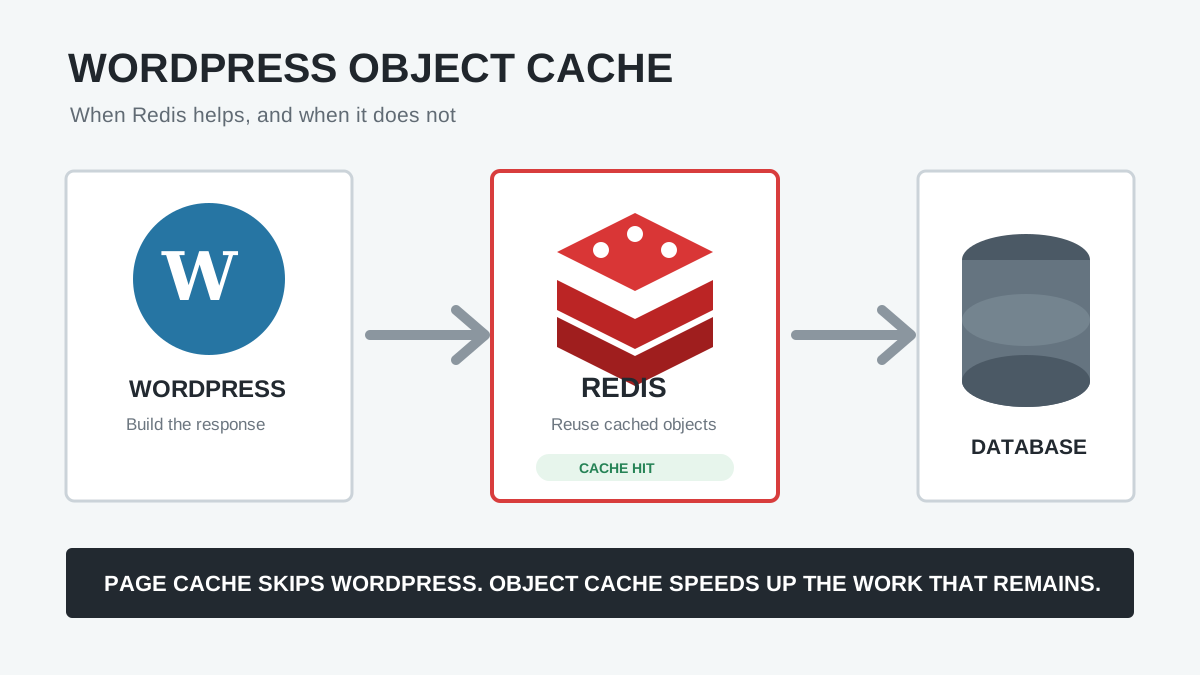
Yes. A prefetched or prerendered page still creates a request. Moderate and eager configurations can generate requests for pages the visitor never opens. Strong full-page caching and, where appropriate, persistent object caching reduce the risk.
Final Recommendation
Keep WordPress core’s conservative prefetch enabled on most sites. It offers a useful navigation improvement with limited risk. Install the official plugin when you need control, but move one step at a time: conservative prefetch, moderate prefetch, then moderate prerender only after exclusions and business-critical behavior have been tested.
The right setting is not the most aggressive one. It is the fastest setting your hosting, content, tracking, forms, and user sessions can support reliably. For a careful WordPress performance audit or help configuring speculative loading, contact AbdullahWP.